Overview
The SAE Event Management team will flag the specific attendees that are able to select up to one slot in advance.
How to flag an attendee as a Ride & Drive sponsor
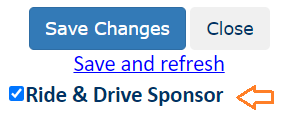
Edit the attendee in the Dashboard and check the “Ride & Drive Sponsor” checkbox and save. This will flag them for review and will control the Attendee Console and Ride & Drive process once pre-registration begins.
Review the list
On the Dashboard, use the Sponsor List for Ride & Drive link in the Sponsorship area on the right to see the list of those selected to receive the pre-registration email and link.
Pre-registration process
When pre-registration opens, those in the above list will be emailed a direct link and an option / details will appear in the Attendee Console. Others attendees will continue to see the not open yet details.